People and teams
Users and platform roles, creating and archiving teams, approved classification, owners and per-team settings.
Users
People → Users lists everyone who has signed in. Anyone your sign-in settings allow is created automatically on first sign-in, with no team; to build anything they need to be added to a team.
A user's page shows their profile, their teams and roles, and their activity. From it, platform admins can:
- Change the platform role: none, platform admin or platform auditor. Neither role grants access to team content.
- Suspend someone: they're signed out everywhere at once and can't sign in until reactivated.
The last active platform admin can't be demoted or suspended.
Teams
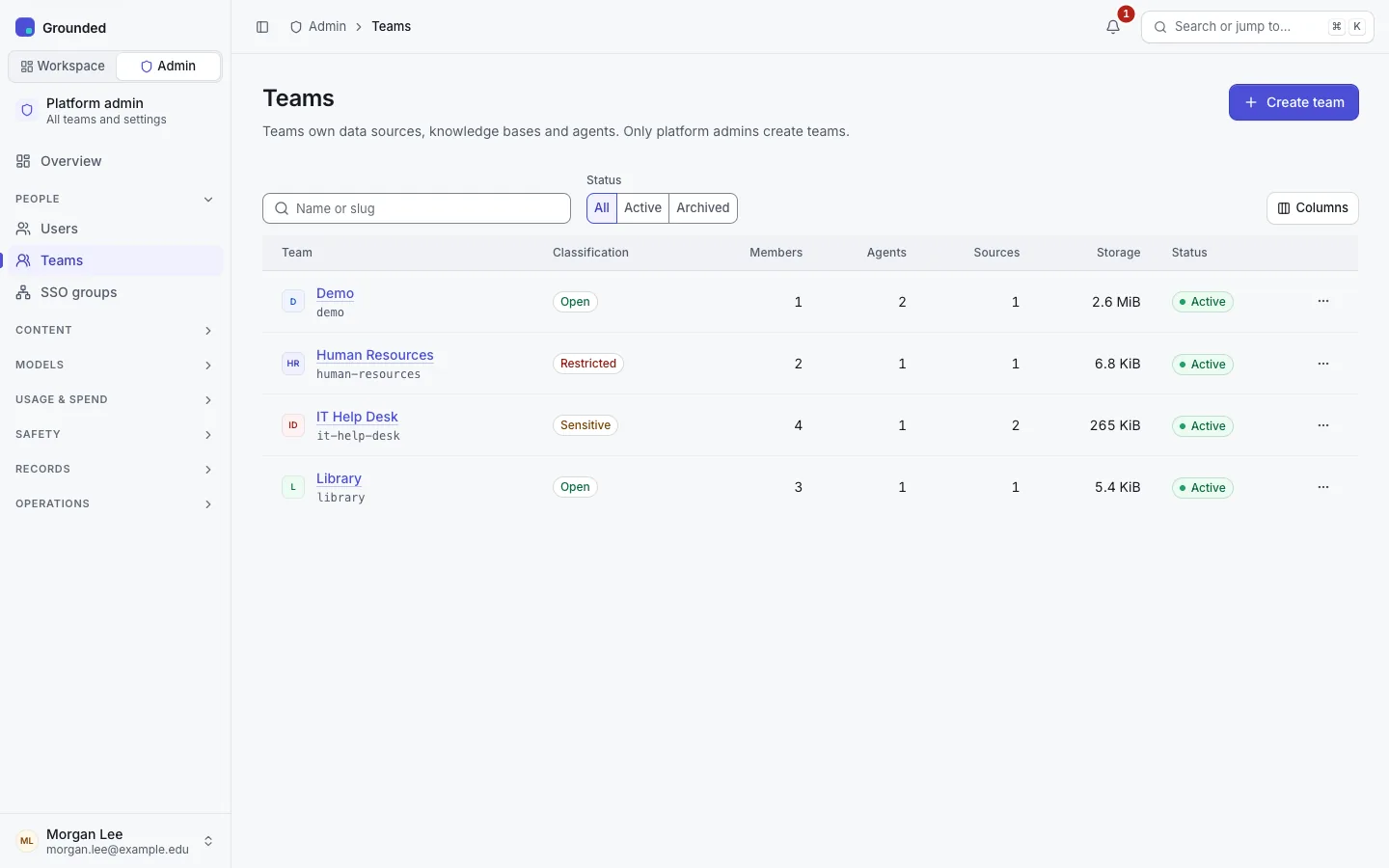
Only platform admins create teams. People → Teams → Create team asks for:
- Name and Slug: the slug is used in the team's addresses, such as
/teams/admissions, and can't change later. - Description.
- Approved classification: the most sensitive data the team may hold. Its sources and agents can use any level up to it.
- Owner's email: added now, or invited if they have never signed in.
A team's admin page has tabs for its Overview, Members, SSO groups, Limits and Settings:
- Overview: counts, usage against limits, recent changes, pending domain requests, and the Budget card (cost tracking and the monthly budget; see Costs).
- Members: the team's members. Owners manage their own members; a platform admin can Assign an owner, which promotes a member, adds someone who has signed in, or invites a new email address. An owner assigned this way is never changed by SSO group rules.
- Limits: per-team overrides of the platform's limits. See Limits.
- SSO groups: the rules that map identity-provider groups to roles in this team. See SSO groups.
- Settings: the name, description and approved classification, and archiving.
Platform admins don't see a team's sources, knowledge bases, agents' settings or conversations from here. A team's own pages show platform staff a notice instead of content.
Archiving
Archive this team makes it read-only: members keep access but can't change anything. Rules for SSO groups that point at an archived team are ignored. You can unarchive it later.
Team requests
People can't create teams themselves. Set TEAM_REQUEST_URL to your own request form (a service-desk form, for example); Grounded links to it for people without a team. Without it, they're told to ask a platform admin, or pointed to SUPPORT_URL if it's set.