Break-glass
Time-limited, read-only, audited access to one team's documents or conversations, with the team's owners told.
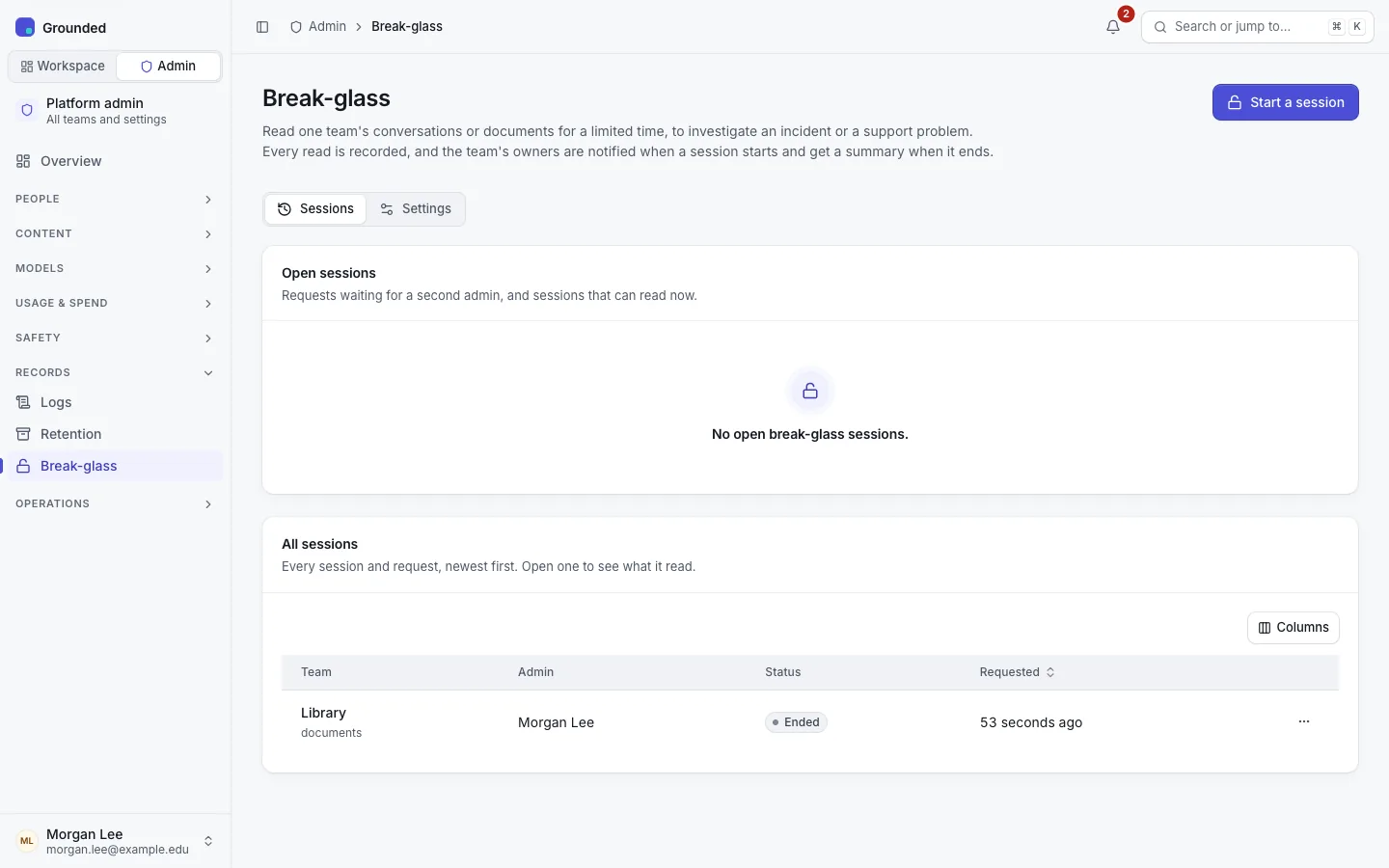
Platform admins can't read a team's documents or anyone's conversations. When an incident or a support problem needs that, a platform admin opens a break-glass session: time-limited, read-only access to one team's conversations, documents or both, with a written reason. Every read is audited, and the team's owners are told.
What a session allows
| Scope | The admin can read | Through |
|---|---|---|
| Documents | The team's data sources, their documents and passages, tags, crawl history and repeated blocks | The team's Data sources pages |
| Conversations | The list of conversations with the team's agents (title, agent, times, number of questions; never who had them) and their transcripts | Break-glass → Read conversations |
Nothing else. The admin can't upload, edit, sync, delete, export, rename, give feedback or chat, and sees no knowledge base or agent settings or keys. Sessions work in a browser only, never with an API key. Conversations their users deleted stay hidden.
Settings
Records → Break-glass → Settings (platform admins change them; auditors read them):
| Setting | Default | Range |
|---|---|---|
| Require a second admin's approval | Off | On or off |
| Longest session | 8 hours | 15 minutes to 24 hours |
| Requests lapse after (with approval on) | 1 hour | 5 minutes to 7 days |
If your install has more than one platform admin, consider requiring approval, especially where Restricted data or sensitive conversations are expected. Say in your terms of use or privacy notice that platform admins can read conversations under break-glass.
Starting a session
Break-glass → Start a session. Choose the team, write the reason (at least 20 characters; the team's owners see it, so name the ticket or incident), tick Documents, Conversations or both, and pick the duration (1 hour by default).
Without approval, the session starts at once. With approval, it waits: the other platform admins are notified, and one of them approves it (the time starts then) or denies it with a reason. Nobody can approve their own request, and a request nobody decides lapses.
While it's active, a banner at the top of every page shows the team, the time left and End now. Use Documents to open the team's data sources and Conversations to open the reader.
End it as soon as you're done. Another platform admin can revoke it. Access stops at the end time on the next request, even before the expiry is recorded.
One admin can have one open session per team.
What the team's owners see
- When it starts (or is approved): a notification in the app and by email with the admin's name, what they can read, until when, the reason and who approved it.
- While it's active: a notice on the team's pages with the same details.
- When it ends: a summary of kinds and counts, for example "Conversation transcripts: 3 conversations (5 reads)". Never which conversation or what it said.
- The team's audit log lists the session and every read.
Owners can't turn these notifications off.
Audit
Every step is audited in the platform log and the team's log: start or request, approval or denial, withdrawal, end or revocation, expiry, and every read, with the session, the kind (document, passages, conversation list, conversation) and the target's ID, never content. A read is recorded before the content is fetched; if recording fails, the read fails. Break-glass lists every session with its counts by kind and its read log. Auditors see all of it.
Checks for a security review
- Without a session, a platform admin gets "not found" on the team's content and transcripts, like any non-member.
- The grant is read from the database on every content request: the same admin, the same team, the scope and the time window. Demoting the admin ends their access at once.
- Admins can't write team content, even under break-glass.